Dear Donald,
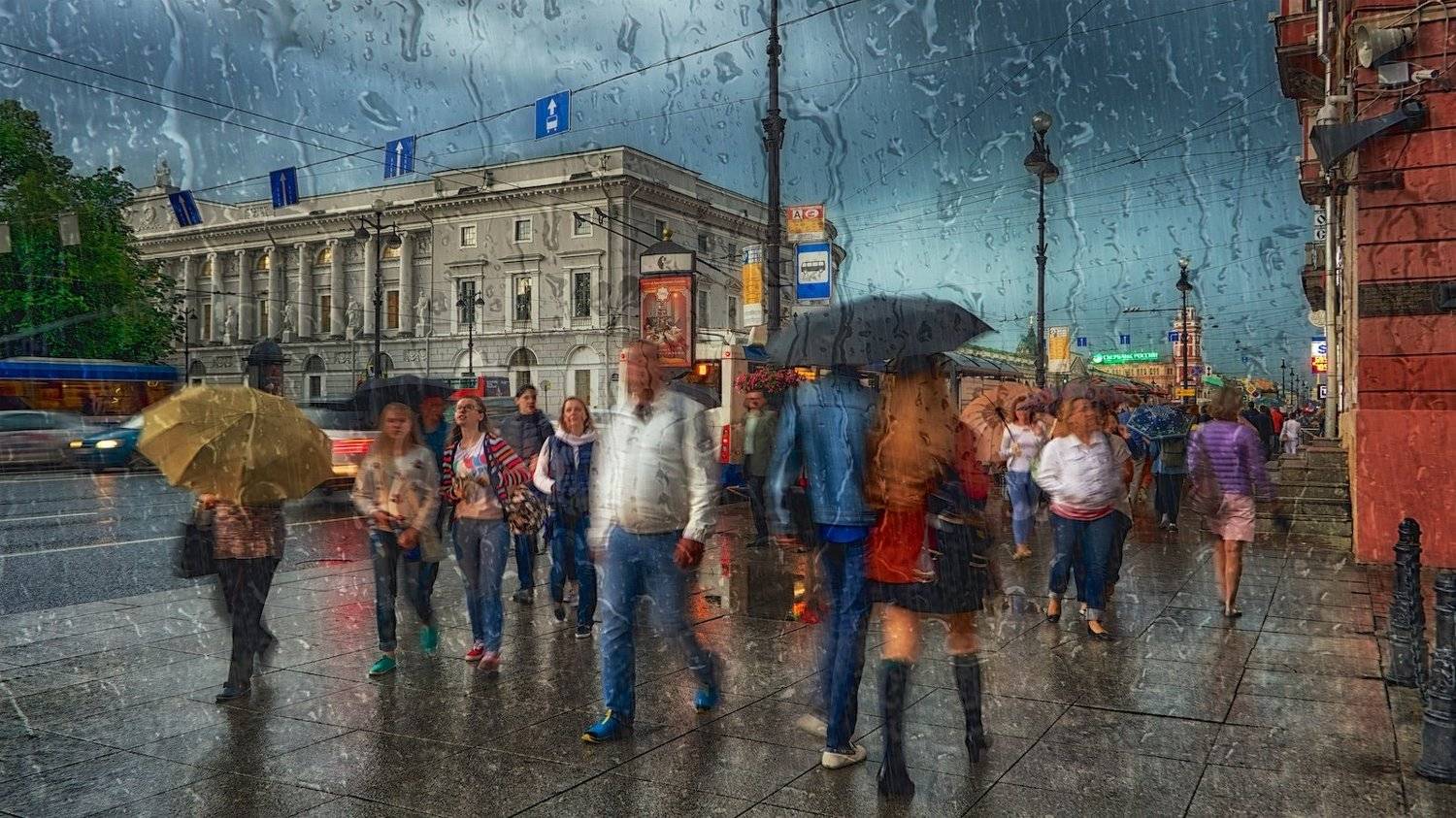
Thank you for your message. Simple two layers. To bring together two photographs. Slightly editor processing. That's the whole tutorial. If you have any questions do not hesitate to ask.
I assume you have a rain drops on glass shot and then you layer it on your image but what layer mode do you use to get the transparent effect? anything you can share is appreciated.
You correctly have suggested all. I use a program Aurora HDR Pro. In this program, a layer of "raindrop" in the "Soft Light" mode, opacity 60%. Smart tone +15%, Highlights –100%, Midtones +30%, Shadows 0%, Whites +15%, Black 0%, Contrast +5%, Clarity +10%, Softness +55%, Boost +18%, HDR detail 0%, Denoise 0%, Brightness +9%. Thereafter, the processing in Color Efex Pro (NIK Software). Final processing in Aperture: White balance, Color, Chromatic abberations. It's all. I hope I answered your question. :)
You are welcome and nothing to worry about. I do not have a photoshop. But I think that everything is the same everywhere (+/-). I am glad to help. I also wish good luck to you.
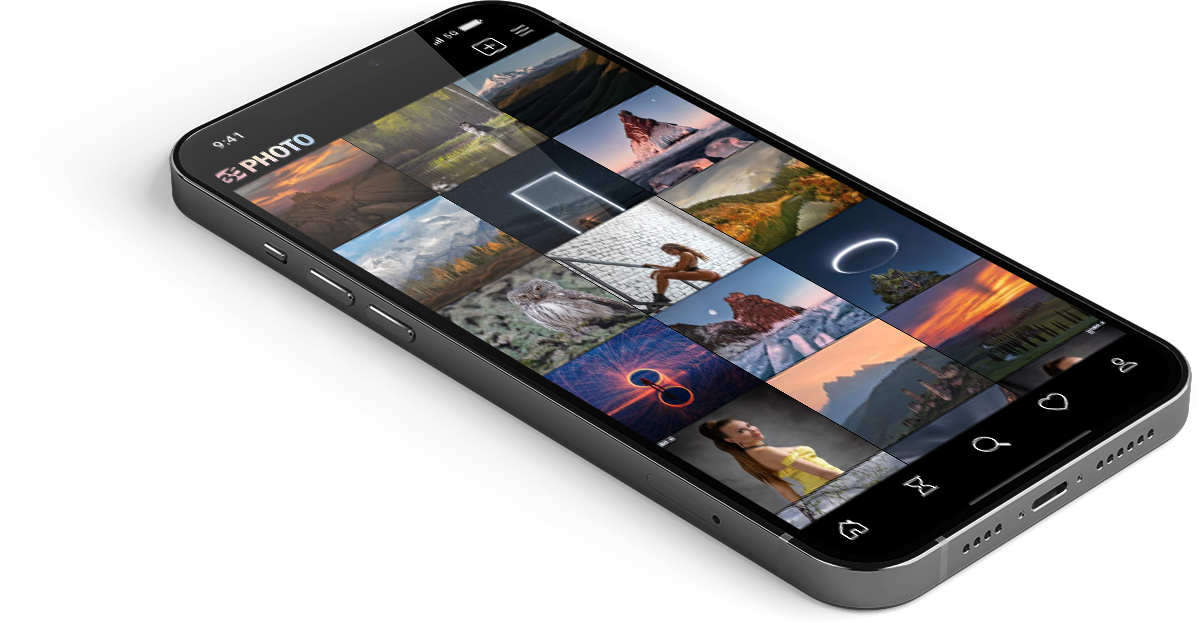
Загружайте работы на сайт прямо из мобильного приложения. Ставьте лайки, подписывайтесь на других участников, оставляйте комментарии. Возможность смотреть за тем кто поставил вам лайк, а так же возможность загружать работы в приложение участникам не прошедшим модерацию.
 22-31 марта, заключительное голосование (Шорт-list)






Thank you for your message. Simple two layers. To bring together two photographs. Slightly editor processing. That's the whole tutorial. If you have any questions do not hesitate to ask.